iPadOS 26 vs Android Desktop Mode: Which Tablet OS Actually Gets Work Done
A detailed comparison of iPadOS 26 and Android Desktop Mode to determine which tablet OS is best for productivity
By Blake Mercer · Updated August 16, 2026 at 4:58 PM
Introduction to Tablet Operating Systems
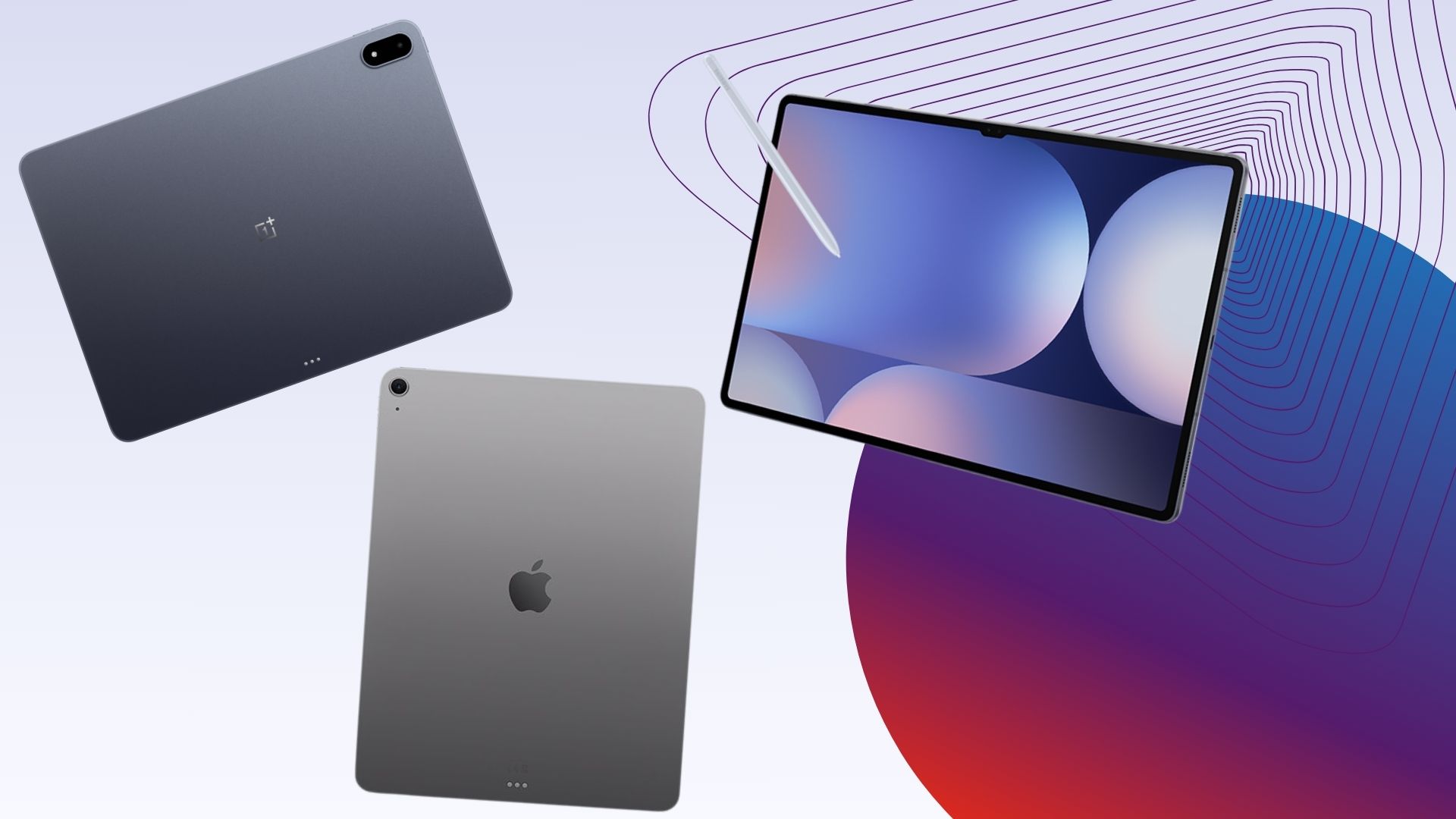
The world of tablet operating systems has evolved significantly over the years, with both Apple's iPadOS and Android offering robust features for productivity. In this article, we will delve into the features and capabilities of iPadOS 26 and Android Desktop Mode to determine which one is best suited for getting work done.
iPadOS 26: A Desktop-Like Experience
iPadOS 26 offers a more desktop-like windowed interface and a macOS-style menu bar, making it highly effective for productivity tasks. The operating system also boasts a powerful M4 chip with an 8-core CPU and 9-core GPU, 12GB of RAM, and Wi-Fi 7 for faster wireless speeds. Additionally, iPadOS 26 provides access to pro-level creative apps like Final Cut Pro and Logic Pro, making it an ideal choice for professionals who require advanced tools for their work.
Android Desktop Mode: A Floating Window Layout
Android Desktop Mode, on the other hand, provides a floating, resizable window layout that feels closer to a desktop OS. The Notes app in Android Desktop Mode also features real-time transcription and AI-generated summaries, making it a useful tool for note-taking and organization. Furthermore, Android Desktop Mode allows users to double their device as a secondary display for a Mac, enhancing productivity and multitasking capabilities.
Ecosystem and Integration
One of the key advantages of iPadOS 26 is its seamless integration with other Apple devices and a cohesive design across all Apple operating systems. This ecosystem provides a streamlined experience for users who are already invested in the Apple universe, allowing them to easily move files, photos, and messages between devices. In contrast, Android Desktop Mode may require more effort to integrate with other devices and operating systems, potentially limiting its appeal to users who are deeply invested in the Google ecosystem.
Productivity Tips for iPad Users
For users who are looking to maximize their productivity on an iPad, there are several tips and tricks that can be employed. Firstly, ditching the stylus and investing in a good keyboard case can significantly improve typing speed and accuracy. Additionally, using a mouse or trackpad can enhance navigation and interaction with the operating system. By leveraging these tools and features, iPad users can unlock the full potential of their device and achieve greater productivity.
Comparison of iPadOS 26 and Android Desktop Mode
In terms of raw performance, iPadOS 26 has a significant advantage over Android Desktop Mode, thanks to its powerful M4 chip and 12GB of RAM. However, Android Desktop Mode has its own strengths, including a more flexible window layout and advanced note-taking features. Ultimately, the choice between iPadOS 26 and Android Desktop Mode will depend on the individual user's needs and preferences.
Conclusion
In conclusion, both iPadOS 26 and Android Desktop Mode offer robust features and capabilities for productivity, but they cater to different user needs and preferences. iPadOS 26 is ideal for users who are deeply invested in the Apple ecosystem and require a desktop-like experience, while Android Desktop Mode is better suited for users who value flexibility and customization. By understanding the strengths and weaknesses of each operating system, users can make an informed decision and choose the one that best fits their needs.
The key to productivity is not just about the operating system, but also about the tools and features that it provides. By leveraging the right tools and features, users can unlock the full potential of their device and achieve greater productivity.
Future of Tablet Operating Systems
As the world of tablet operating systems continues to evolve, it will be interesting to see how iPadOS 26 and Android Desktop Mode adapt to changing user needs and preferences. With the rise of artificial intelligence and machine learning, we can expect to see even more advanced features and capabilities in future updates. By staying ahead of the curve and embracing new technologies, users can stay productive and efficient in an ever-changing world.